 LudyAmp
 How to Play OGG and Opus Files on iPhone
iPhone doesn't support OGG Vorbis or Opus natively. Learn what these audio formats are, where you encounter them, and how to play OGG and Opus on iPhone.
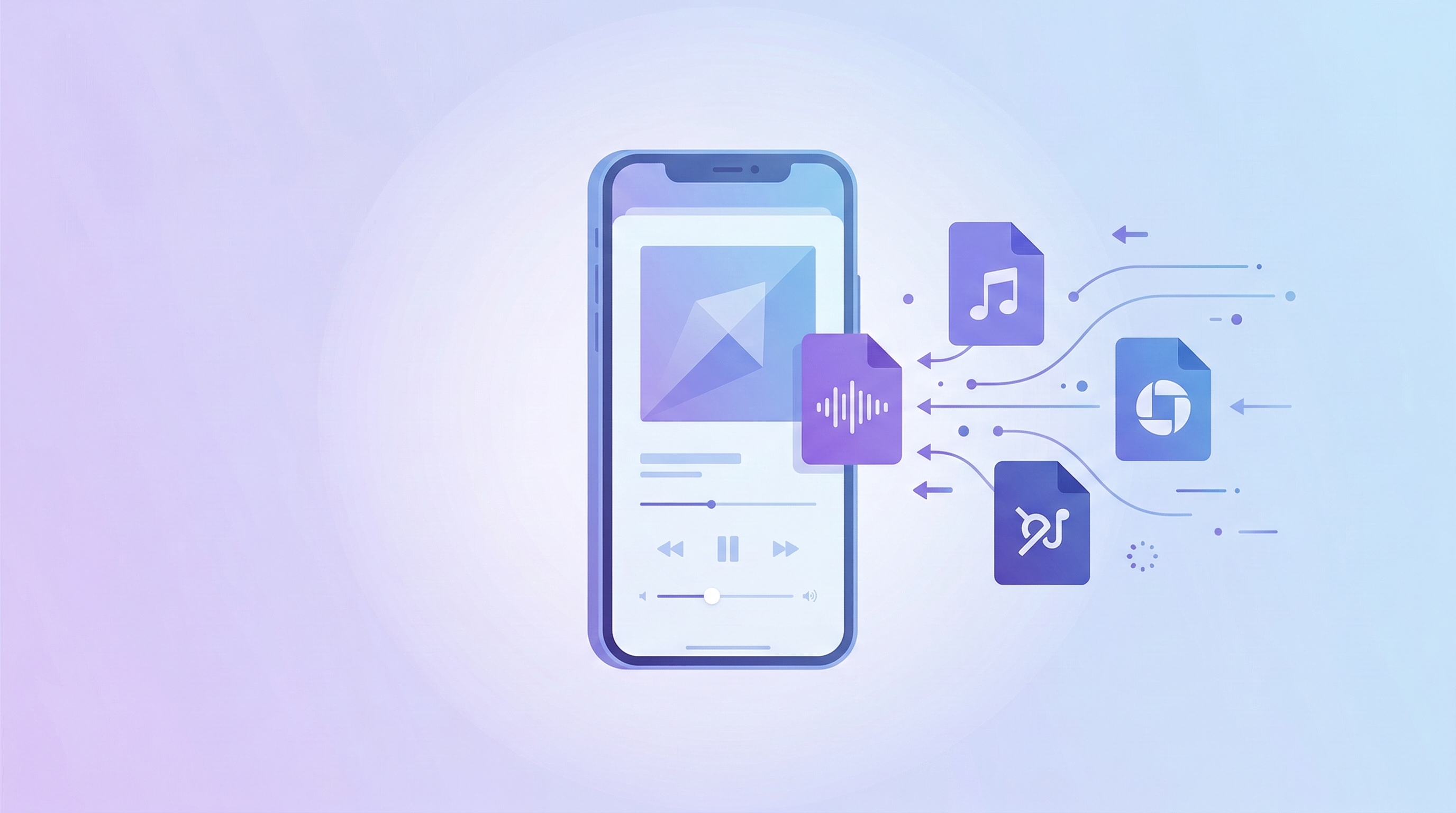
If you’ve tried to play an .ogg or .opus file on your iPhone, you already know what happens: nothing. Apple doesn’t support either format in any of their built-in apps. No playback in the Music app, no playback in Files, nothing. You get a file icon and silence.
This is frustrating because OGG and Opus files show up in more places than you’d expect.
What Is OGG Vorbis?
OGG Vorbis is a lossy audio codec created by the Xiph.org Foundation as a patent-free alternative to MP3. The “OGG” part is actually the container format (like how M4A is a container for AAC), and “Vorbis” is the codec inside it. Most people just say “OGG.”
Quality-wise, OGG Vorbis punches above its weight. An OGG file at 192 kbps sounds roughly equivalent to an MP3 at 256 kbps. The codec is more efficient, especially in the mid-range bitrates where most people encode.
What Is Opus?
Opus is the newer codec, also from Xiph.org, and it’s genuinely impressive from a technical standpoint. It was designed for both voice and music, and it achieves near-transparent quality at bitrates that would make MP3 sound terrible.
Opus at 128 kbps is roughly equivalent to MP3 at 256 kbps. At 64 kbps, Opus still sounds acceptable for music — MP3 at 64 kbps is barely listenable. This efficiency is why Opus has been adopted everywhere: Discord uses it for voice chat, Telegram and WhatsApp use it for voice messages, YouTube uses it for audio streaming, and most VoIP applications have switched to it.
Where You Run Into These Formats
You might be wondering how OGG and Opus files ended up on your phone in the first place. Here are the usual suspects:
Bandcamp purchases. Bandcamp offers OGG Vorbis as a download option alongside FLAC, MP3, and others. Some people download OGG without realizing it won’t play on their iPhone, or they grab the “download all formats” option and end up with OGG files mixed in.
Game soundtracks. A ton of PC games ship their audio as OGG files. If you bought a game soundtrack on Steam or extracted music from a game’s data files, there’s a good chance it’s OGG. This is especially common with indie games and RPGs.
Discord and Telegram voice messages. If you’ve saved voice messages from Discord or Telegram, they’re Opus files. Discord uses Opus at 128 kbps for voice channels, and Telegram uses it for voice messages and audio files shared in chats.
Open-source music projects. Free music archives like the Free Music Archive, OpenGameArt, and various Creative Commons releases often distribute in OGG to avoid any patent concerns (MP3 patents have expired, but old habits die hard).
YouTube downloads. If you’ve used yt-dlp or a similar tool to download audio from YouTube, the best quality audio stream is often Opus in a WebM container. The tool might save it as .opus or .webm.
Why Apple Doesn’t Support Them
Apple pushes AAC as their preferred lossy codec. AAC is technically competitive with OGG Vorbis and handles most of the same bitrate range well. Since Apple controls the iOS platform, they have no incentive to add support for competing open-source codecs. It’s not a technical limitation — it’s a business decision.
Android has supported both OGG and Opus natively for years. Windows added Opus support in Windows 10. Apple remains the holdout.
The Fix
Use a third-party player that decodes OGG and Opus in software. LudyAmp handles both OGG Vorbis and Opus natively, along with about 20 other formats.
Transfer your OGG or Opus files to the app via WiFi transfer, USB cable, or the built-in browser. They show up in your library like any other audio file — with album art, track info, and proper playback controls. No conversion needed, no quality loss from re-encoding.
If you’d rather convert to a format Apple supports, ffmpeg handles it:
ffmpeg -i track.ogg -codec:a aac -b:a 256k track.m4a
ffmpeg -i voice.opus -codec:a aac -b:a 128k voice.m4a
But converting lossy-to-lossy (OGG/Opus to AAC) technically degrades quality slightly, since you’re re-encoding already-compressed audio. The degradation is usually inaudible, but if you want to avoid it entirely, just play the original files in a player that supports them.
Quick Format Comparison
| Codec | Type | Typical Bitrate | Rough MP3 Equivalent | Common Sources |
|---|---|---|---|---|
| OGG Vorbis | Lossy | 128-320 kbps | +20-30% better per kbps | Bandcamp, games, Linux |
| Opus | Lossy | 64-256 kbps | +50-100% better per kbps | Discord, Telegram, YouTube |
| MP3 | Lossy | 128-320 kbps | Baseline | Everything |
| AAC | Lossy | 128-256 kbps | ~Same as MP3 | Apple, Spotify |
Both OGG and Opus are technically superior to MP3 at the same bitrate. Opus in particular is the most efficient lossy codec available today. It’s just not supported by Apple’s built-in apps.
If you’re dealing with other unsupported formats too, check out FLAC vs MP3 for the lossless-vs-lossy breakdown, or How to Play FLAC Files on iPhone for the full guide on getting non-standard audio formats working on iOS.