Video in, audio out
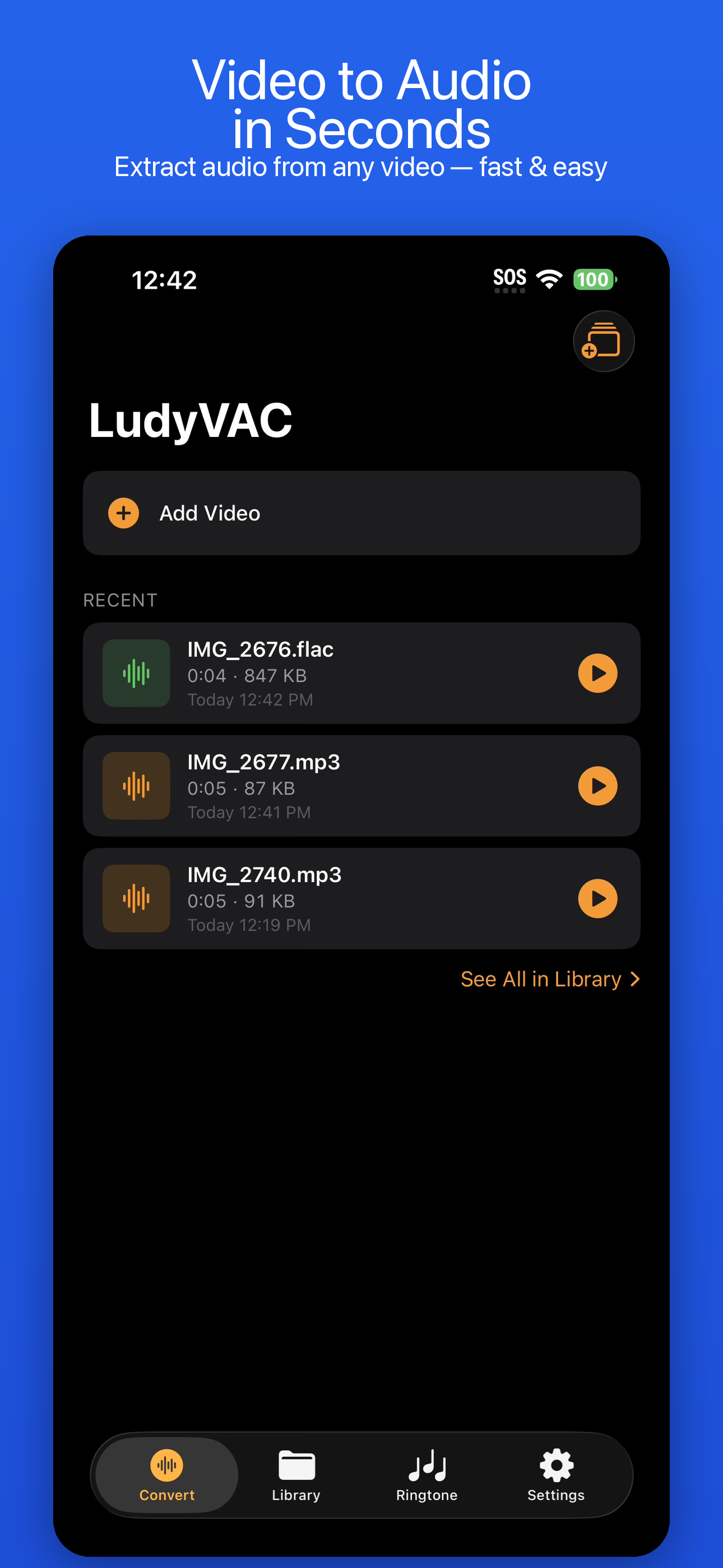
Extract audio from any video in seconds. 9 formats, waveform trim editor, ringtone maker — all on-device. No subscription.
iOS 17+ · iPhone & iPad · Free / Pro lifetime
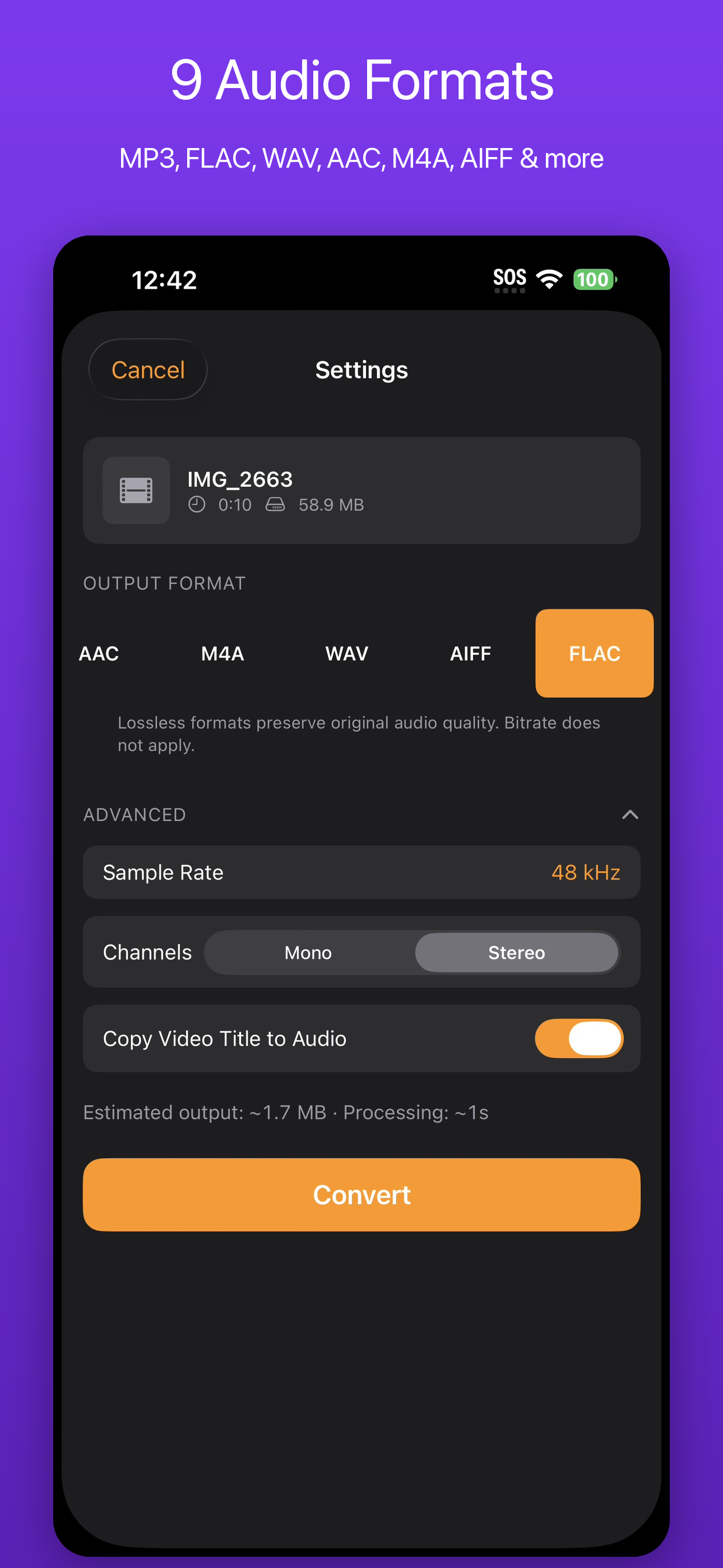
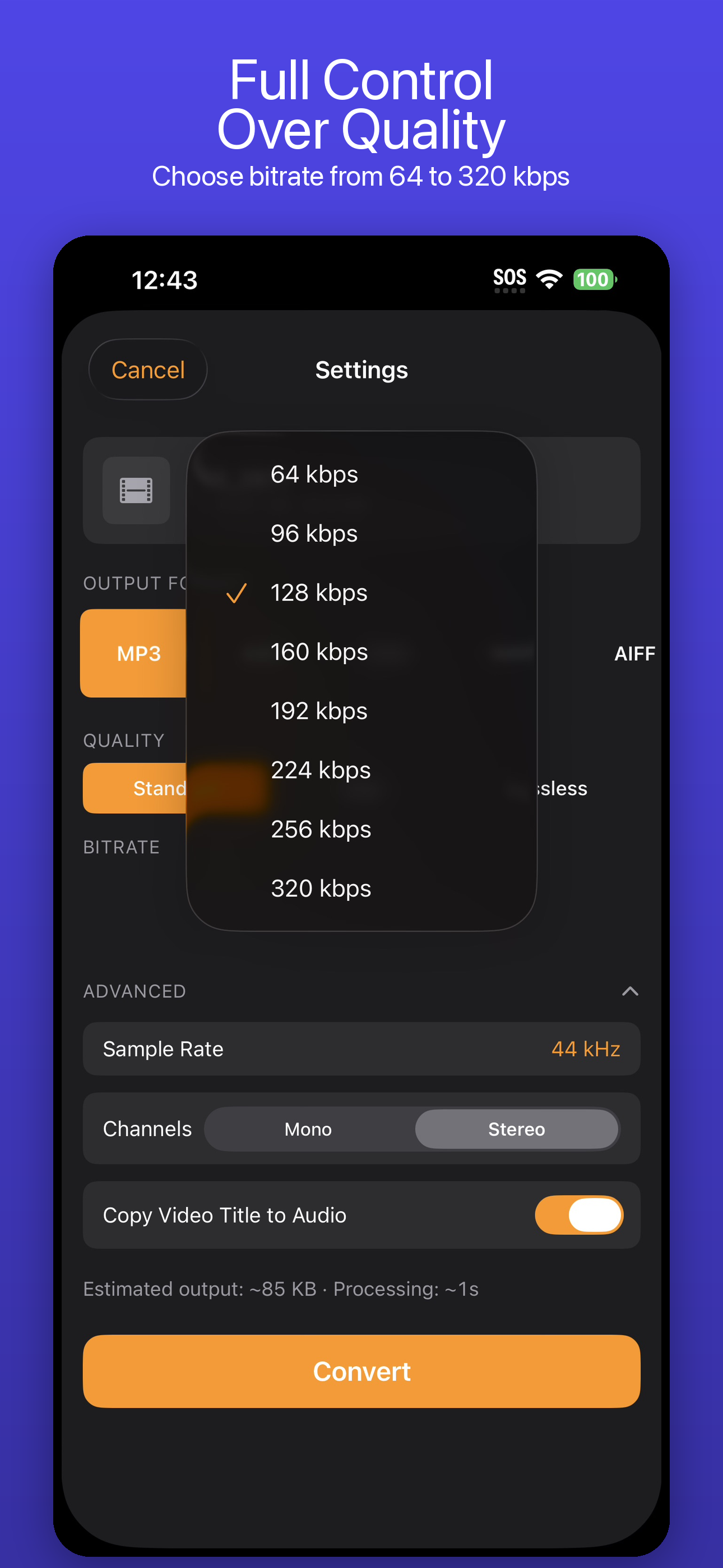
Every format you need
MP3 for sharing. FLAC for quality. M4R for ringtones.
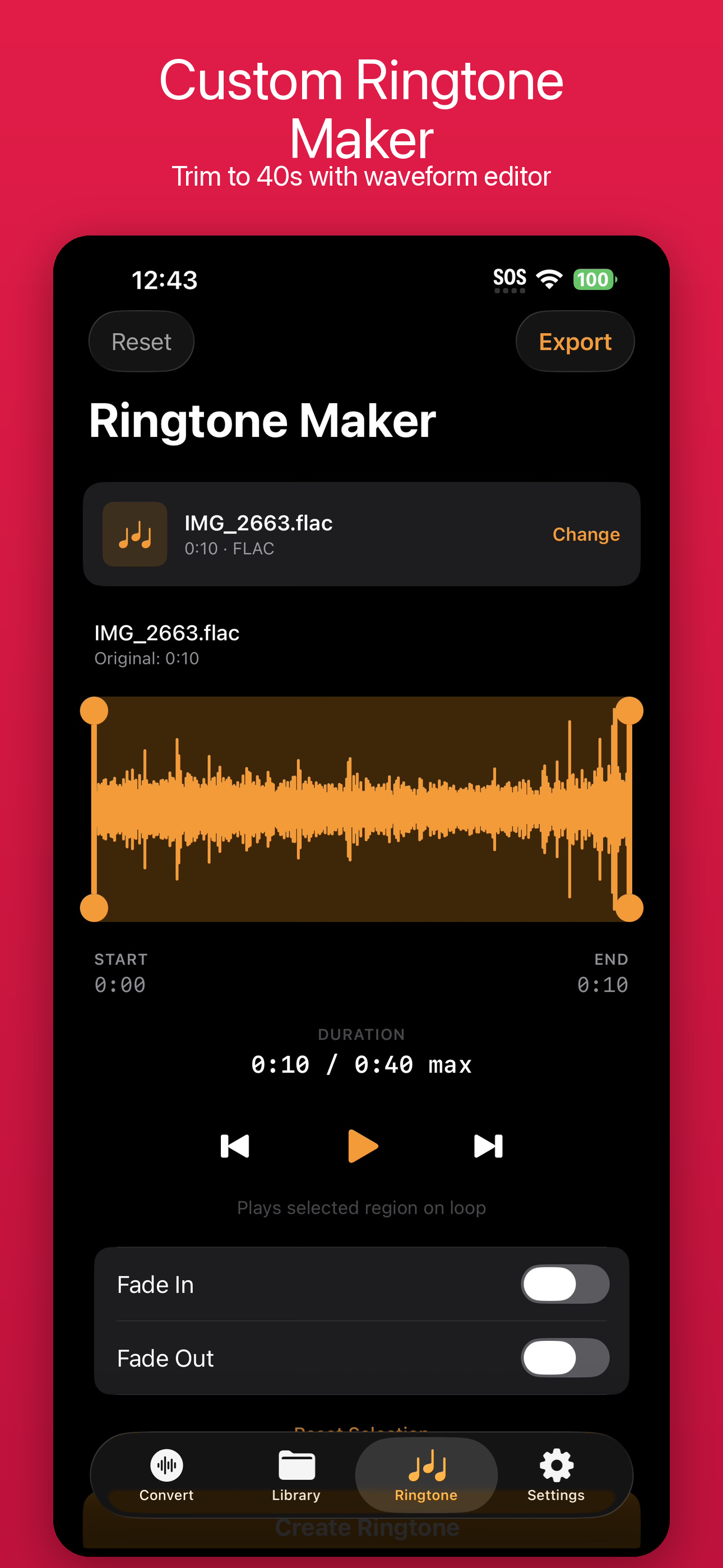
Trim with precision.
Visual waveform display lets you see and select exactly the audio section you need. Pinch to zoom, drag handles to trim. Perfect for cutting intros, extracting clips, or creating ringtones.
Everything included
The video-to-audio converter that does it all.
Video to Audio
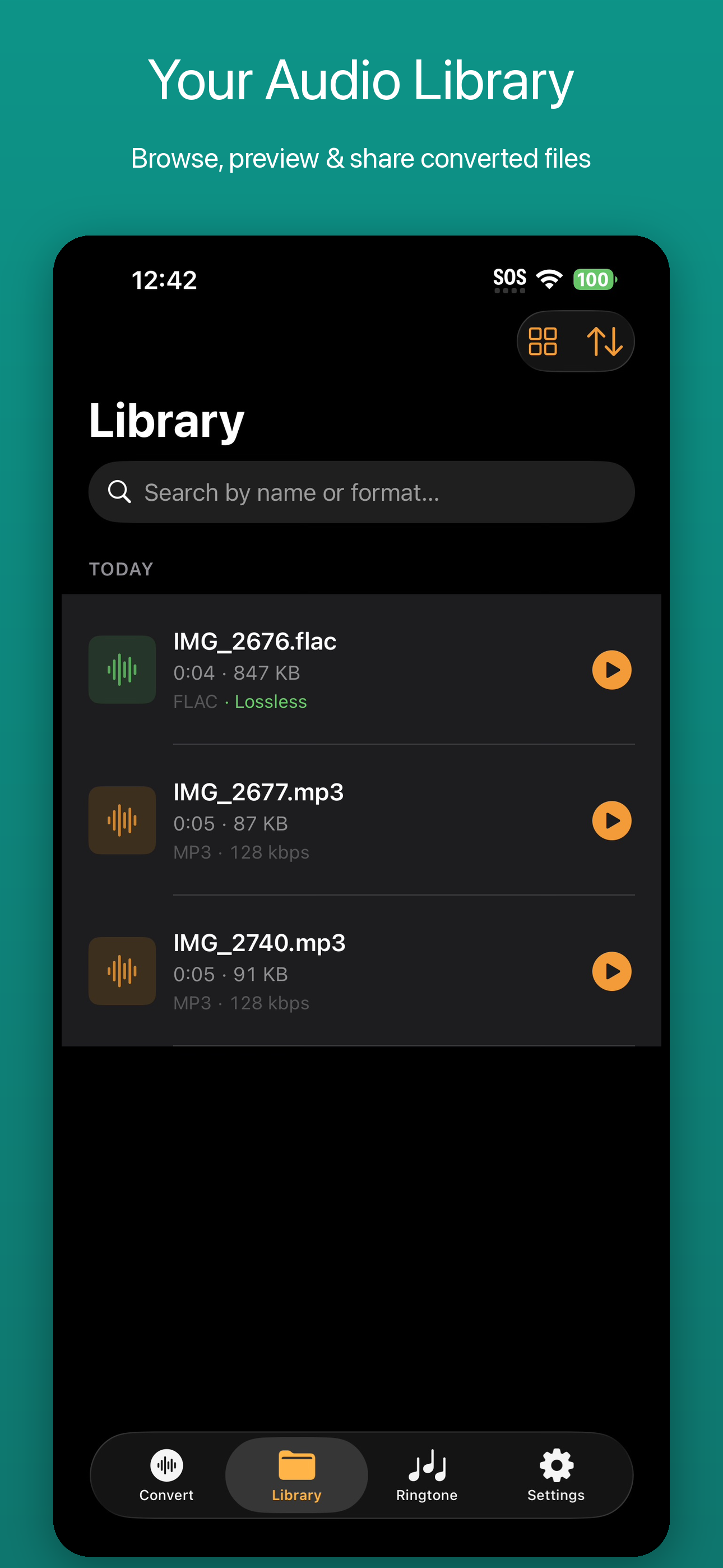
Extract high-quality audio from any video in your Photo Library or Files app. Processing happens entirely on your device.
9 Audio Formats
MP3, AAC, M4A, WAV, AIFF, FLAC, ALAC, CAF, and M4R. Pick the format that fits your workflow.
Ringtone Maker
Create custom iPhone ringtones directly from videos. Trim, convert to M4R, and install — no iTunes needed.
Waveform Trim Editor
Visual waveform editor to trim audio precisely. Cut intros, outros, or extract the exact section you need.
Batch Convert
Select multiple videos and convert them all at once. Queue processing with progress tracking.
Privacy First
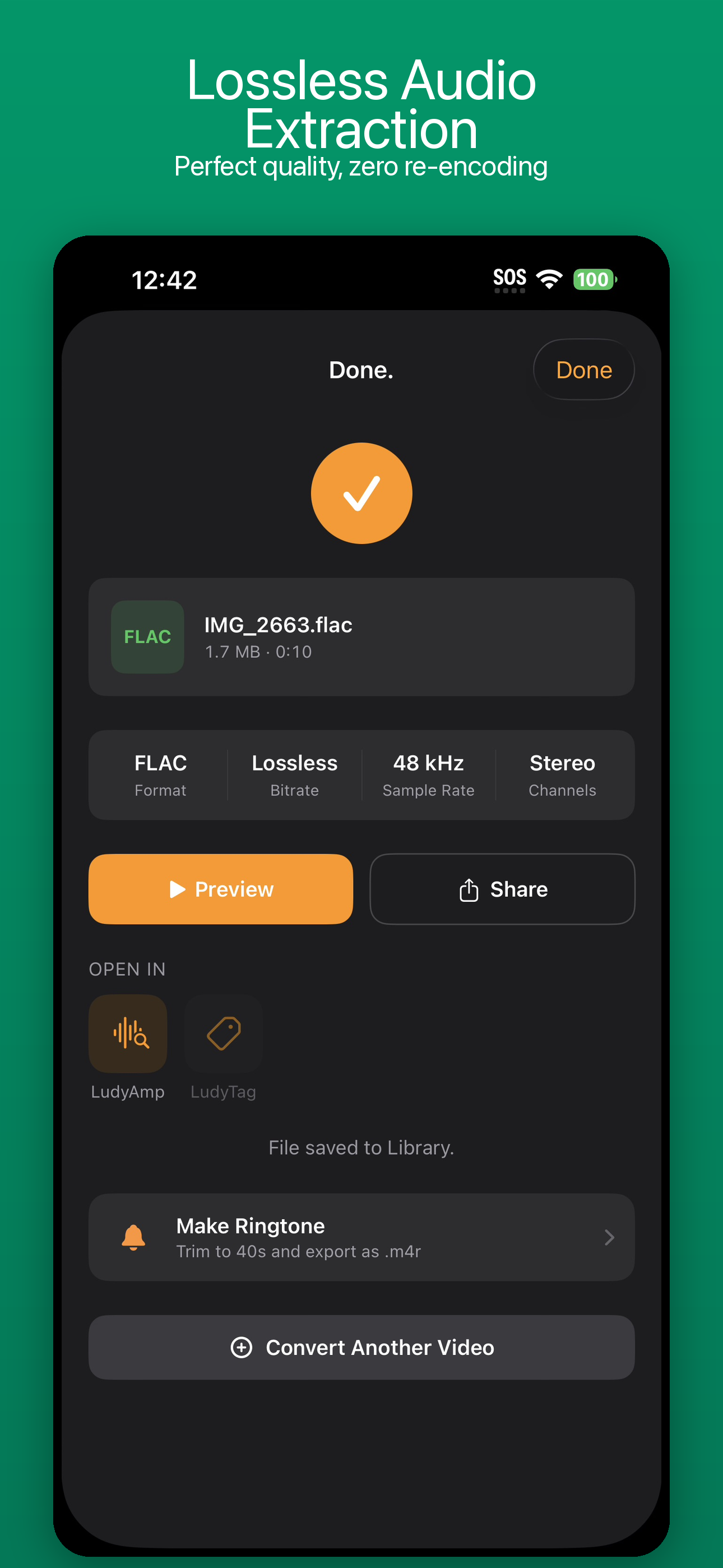
No accounts. No tracking. No ads. All processing on-device. Your videos never leave your iPhone.
See it in action
Questions
What video formats can I convert from?
Is this a one-time purchase?
Can I make custom iPhone ringtones?
Does it preserve audio quality?
Does processing happen on my device?
Extract audio from any video
Download free from the App Store. Convert your first video in seconds.