 LudyType
 Grammarly Keyboard Alternatives: Free and One-Time Purchase Options
Grammarly costs $30/month. Here are five tested Grammarly keyboard alternatives for iPhone that check grammar and rewrite text for less — or nothing at all.
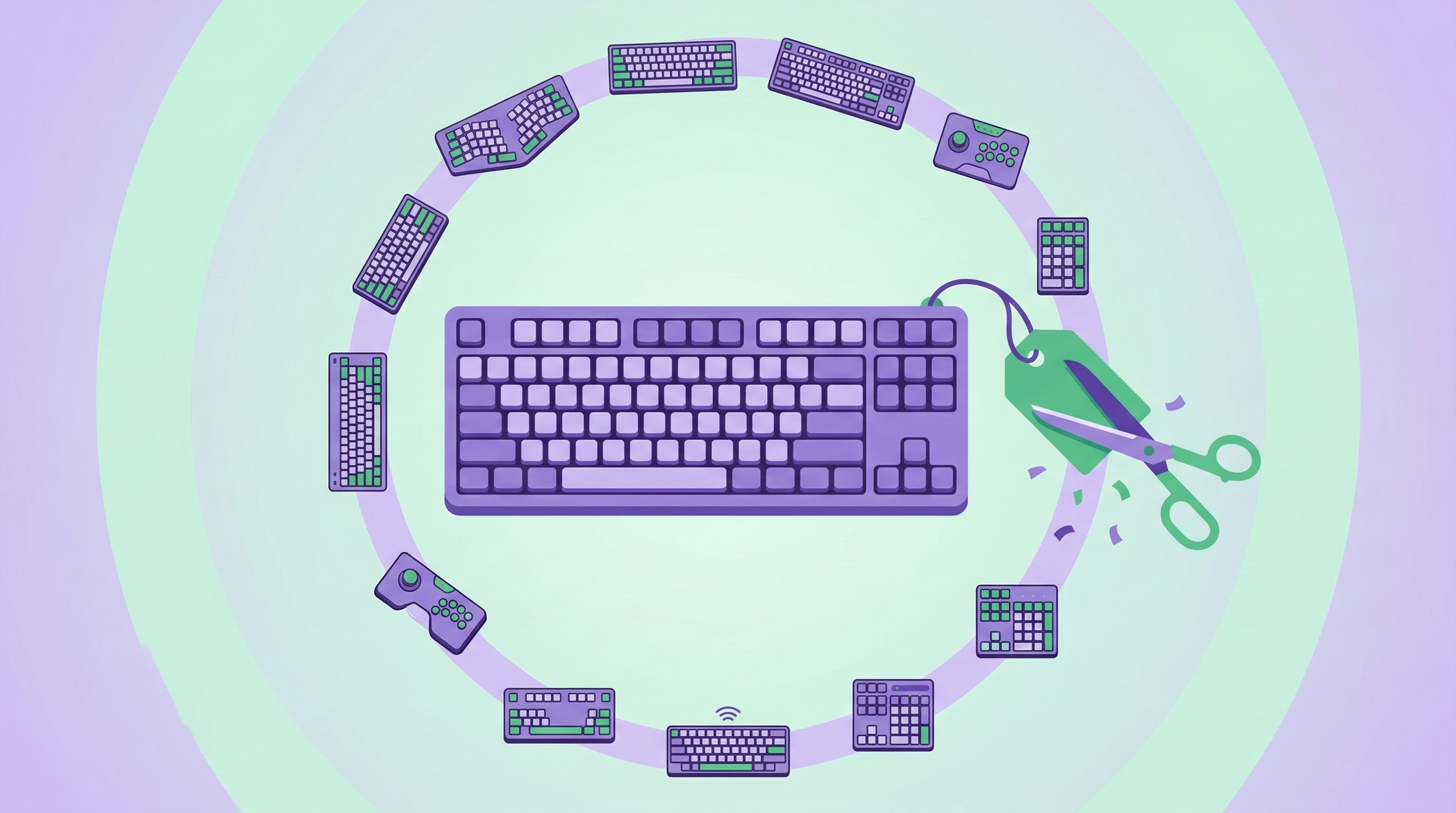
If you’re looking for Grammarly keyboard alternatives, you’re probably tired of the price tag. Grammarly is excellent. The grammar engine catches errors that nothing else does. The interface is clean, the explanations are helpful, and the Premium tier adds genuinely useful features like clarity suggestions and full-sentence rewrites.
But $30/month works out to $360/year. For a keyboard. That’s more than Netflix, Spotify, and iCloud+ combined. If you’re a professional writer or content creator, that cost probably pays for itself. For everyone else, it’s a hard sell.
Here’s the thing: most people don’t need Grammarly’s level of grammar checking. They need their messages to not have obvious mistakes. They need to occasionally sound more professional in an email. Maybe translate something. The difference between catching 10 out of 10 grammar errors and catching 8 out of 10 doesn’t matter when your main use case is texting and casual email.
So what do you actually lose by switching away from Grammarly, and what are the realistic alternatives?
What Makes Grammarly Hard to Replace
Before looking at alternatives, here’s what Grammarly does better than everyone else.
Grammar depth. Grammarly catches things like dangling modifiers, parallelism errors, and subtle comma splices. These are errors that most native English speakers make without realizing, and most other tools don’t flag them. If you write for publication or your job involves producing polished text, this level of checking matters.
Real-time feedback. Errors get underlined as you type, not after you finish writing. This teaches you patterns over time — after seeing “should have” corrected from “should of” enough times, you start catching it yourself.
Writing style suggestions. Premium Grammarly goes beyond grammar into style territory. It suggests simpler alternatives to wordy phrases, flags passive voice, and helps tighten your writing. This is the kind of feedback you’d get from a good editor.
Plagiarism check. The Premium tier includes plagiarism detection, which is valuable for students and content creators. No keyboard alternative offers this.
If any of these are critical to your work, Grammarly is probably worth the cost. But if you’re nodding along thinking “I don’t really need most of that,” keep reading.
What Most People Actually Need
From looking at how people use grammar tools on mobile, the typical needs are pretty simple. Fix obvious grammar mistakes — their/they’re, subject-verb agreement, tense consistency. Occasionally rewrite a message to sound more professional. Maybe translate something. That’s about it.
You don’t need a $360/year tool for that. Here are five alternatives that cover those basics.
1. Apple Intelligence Writing Tools (Free)
Apple added Writing Tools to iOS 18.1 as part of Apple Intelligence. Select text in most apps, tap “Writing Tools” from the context menu, and you get options: Proofread, Rewrite, Friendly, Professional, and Concise.
Proofread catches the basics — spelling, subject-verb agreement, tense problems, missing punctuation. It won’t catch the subtle stuff Grammarly catches, but it handles the errors that actually make you look bad in emails.
The Rewrite, Friendly, Professional, and Concise options are tone adjustments, which is nice. They work reasonably well, though the results can sound a bit generic.
The dealbreaker: you need an iPhone 15 Pro or newer. If you have an iPhone 15, 14, 13, SE, or any older model, Apple Intelligence isn’t available. That rules out a large chunk of iPhone users.
Even on supported devices, it’s not a keyboard — it’s a text selection action. You write first, select, then process. It’s an extra step compared to Grammarly’s real-time approach.
Best for: iPhone 15 Pro+ users who want free grammar and tone tools without installing anything.
2. Google Gboard (Free)
Gboard won’t check your grammar. I want to be upfront about that. It’s here because it’s the most popular alternative keyboard and people often consider it as a Grammarly replacement, but it doesn’t compete in the grammar space.
What Gboard does well: better autocorrect than the stock keyboard, translate built into the keyboard (100+ languages via Google Translate), voice typing, GIF and emoji search, and Google Search without leaving your app.
If your main Grammarly use case was “catch typos,” Gboard’s improved autocorrect might be enough. If you also used Grammarly’s translate feature — wait, Grammarly doesn’t have translate. Gboard actually has Grammarly beat on that front.
It’s free, it’s solid, and it’s a meaningful upgrade over the stock keyboard. Just don’t expect grammar checking.
Best for: People who mostly need better autocorrect and want translate/search features. Zero cost.
3. LanguageTool (Freemium, $4.99/month Premium)
LanguageTool is an open-source grammar checker that’s been around since 2003. It’s the closest direct competitor to Grammarly in terms of what it does — grammar checking, style suggestions, and text correction.
The iOS keyboard works similarly to Grammarly’s. It underlines errors as you type and offers corrections with brief explanations. The free tier catches basic grammar and spelling. Premium adds style suggestions, more rule sets, and a higher word count for checking.
In my testing, LanguageTool catches about 70-75% of what Grammarly catches. It handles the common errors well but misses some of the more nuanced grammatical issues. For most people, that 70-75% covers the errors they actually make.
The $4.99/month ($59.88/year) pricing is significantly less than Grammarly’s $30/month. If grammar checking is your primary need and you want something close to Grammarly quality, LanguageTool is the most direct substitute at a fraction of the price.
No translation, no clipboard history, no text generation. It’s a grammar tool, period.
Best for: People who want Grammarly-style grammar checking at a lower price and don’t need extra features.
4. LudyType ($19.90 Lifetime)
LudyType approaches the problem differently from Grammarly. Instead of real-time grammar underlining, it has a “Fix Grammar” action among 20+ AI-powered text actions. You write your text, tap the AI button, select Fix Grammar, and the corrected version replaces your original.
The grammar accuracy is solid — not quite Grammarly-level for catching obscure errors, but it handles the common mistakes reliably. Subject-verb agreement, tense consistency, their/they’re/there, could of vs. could have, run-on sentences — all caught.
Where LudyType goes beyond grammar is in the breadth of what else it does. Five preset tone options (professional, casual, friendly, confident, diplomatic) plus custom tones. Translation to 40+ languages, built right into the keyboard. Summarize long text. Expand a bullet point into a paragraph. Create your own custom actions with any prompt you want.
The clipboard history (100 items with pinning) is a separate feature that solves a different problem — iPhone’s single-slot clipboard — but it’s included and it’s genuinely useful daily.
The pricing model is the most interesting part. $19.90 one-time purchase gives you lifetime access. Compare that to Grammarly’s $360/year or even LanguageTool’s $60/year. You break even versus LanguageTool in about four months, versus Grammarly in about two weeks.
If you want to go further, the BYOK (bring your own key) feature lets you use your own OpenAI, Anthropic, or Google API key. This means AI actions run on your own API account at cost — typically fractions of a cent per request. For heavy users, this is cheaper than any subscription.
Best for: People who want grammar plus translation, tone changes, clipboard history, and custom actions at a one-time price.
5. QuillBot (Freemium, $9.99/month Premium)
QuillBot started as a paraphrasing tool and it’s still strongest at making text sound different while keeping the meaning. It offers multiple rewriting modes — Standard, Fluency, Formal, Simple, Creative, Expand, and Shorten. The grammar checking is decent but secondary to the paraphrasing.
The main drawback for iPhone users: QuillBot doesn’t have a keyboard. You use it through the QuillBot app or website. That means copy, switch apps, paste, process, copy result, switch back, paste. It’s the same context-switching problem as using the Translate app.
There’s a Safari extension that adds QuillBot to web-based text fields, which helps if you do a lot of writing in webmail or browser-based tools. But for Messages, WhatsApp, or native apps, you’re stuck with the app-switching workflow.
At $9.99/month ($119.88/year), it’s cheaper than Grammarly but more than LanguageTool, and the lack of a keyboard makes it less convenient than either.
Best for: People who primarily need paraphrasing and don’t mind using a separate app.
The Comparison
| Grammarly | Apple Intelligence | Gboard | LanguageTool | LudyType | QuillBot | |
|---|---|---|---|---|---|---|
| Price | $30/mo | Free | Free | $4.99/mo | $19.90 once | $9.99/mo |
| Grammar quality | Excellent | Good | Basic | Very good | Good | Good |
| Rewrite/Tone | Premium only | Yes | No | Basic | Yes (5+ tones) | Yes (7 modes) |
| Translation | No | No | Yes (100+) | No | Yes (40+ langs) | No |
| Clipboard history | No | No | No | No | Yes (100 items) | No |
| Custom actions | No | No | No | No | Yes | No |
| Device requirement | Any iPhone | iPhone 15 Pro+ | Any iPhone | Any iPhone | Any iPhone | Any iPhone |
| Has a keyboard? | Yes | System-level | Yes | Yes | Yes | No |
| Real-time checking | Yes | No | No | Yes | No | No |
Who Should Stick With Grammarly
If writing quality is directly tied to your income — you’re a freelance writer, a content marketer, a journalist, or you write client-facing communications daily — Grammarly’s grammar engine is the best and the subscription cost is a business expense.
If you’re a non-native English speaker working in an English-speaking environment where email quality matters, Grammarly’s depth of checking and explanations help you improve over time, not just fix errors in the moment.
If you already have Grammarly for desktop use, the keyboard is included in your subscription. No reason to switch.
Who Should Switch
If you mainly text friends and family and occasionally write work emails, you don’t need a $360/year grammar tool. Apple Intelligence (if you have a compatible phone), LanguageTool, or LudyType will catch the errors that actually matter in casual and semi-professional communication.
If you want features beyond grammar — translation, clipboard management, custom text actions — you’re already looking outside Grammarly’s scope. LudyType covers all of these in one keyboard at a one-time cost.
If budget is the primary concern, Gboard is free and genuinely good. It won’t check grammar, but the improved autocorrect and built-in translate make it a meaningful upgrade over the stock keyboard.
For a broader look at all the AI keyboard options, check out our best AI keyboards for iPhone comparison. And for specific how-to guides, we’ve covered fixing grammar on iPhone and getting clipboard history on iPhone.