Keyboard
AI keyboard tips, comparisons, and how-to guides for faster typing on iPhone and iPad.

 LudyType
 How to Automate Text on iPhone: Shortcuts, Text Replacement, and AI
Stop retyping the same text. Learn three ways to automate text on iPhone: built-in text replacement, Shortcuts app workflows, and AI keyboard actions.
 LudyType
 10 iPhone Shortcuts for Text That Save Hours Every Week
The best Shortcuts app automations for text on iPhone: auto-translate, summarize, format, and more. Plus easier alternatives that skip the setup.
 LudyType
 iPhone Shortcuts vs AI Keyboard Actions: Which Saves More Time?
Apple Shortcuts and AI keyboard actions both automate text tasks. We tested both for a month to see which actually saves more time on iPhone.
 LudyType
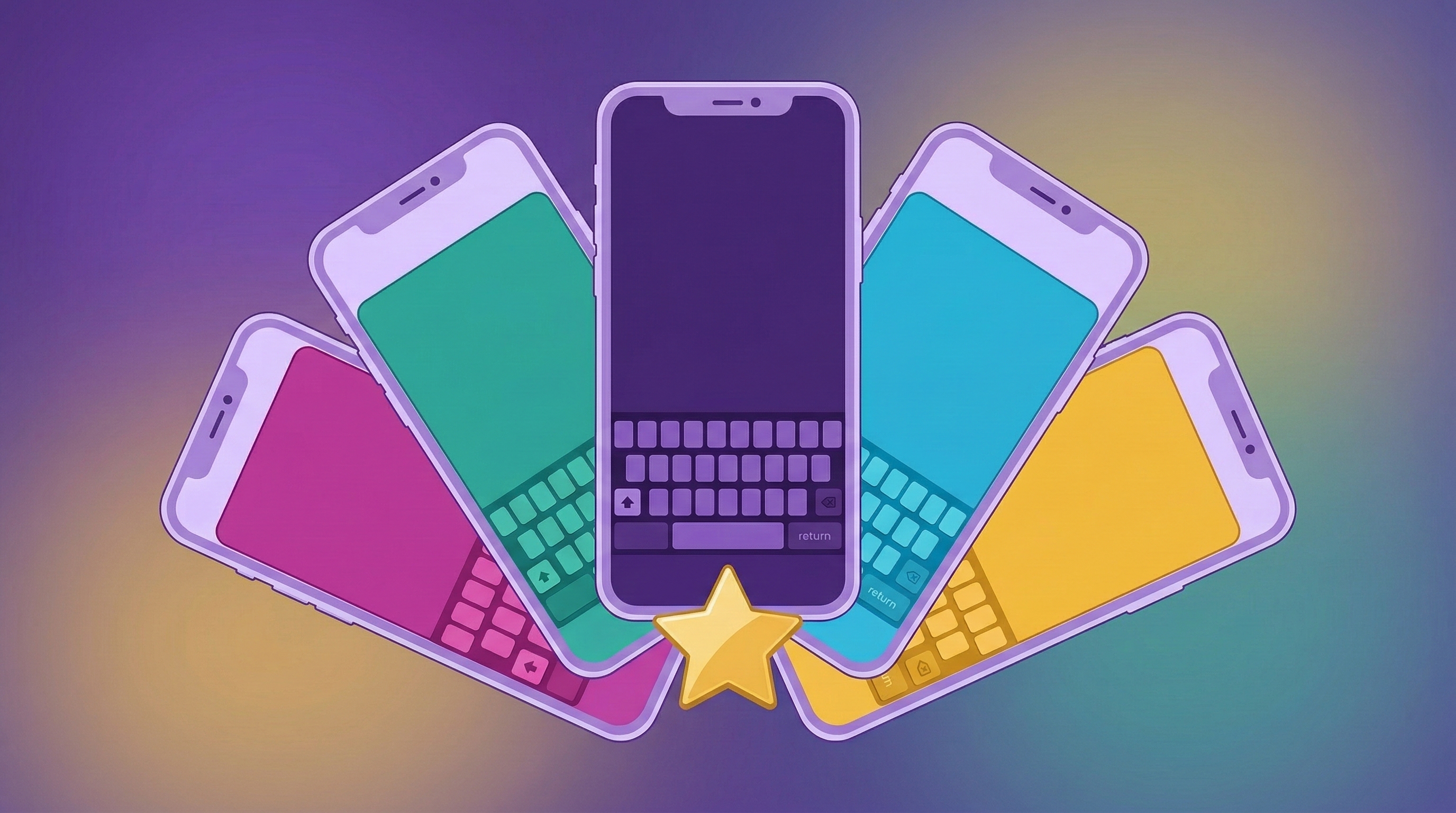
 Best AI Keyboards for iPhone in 2026 (Honest Comparison)
I tested five AI keyboards for iPhone for a week each. Honest comparison of Grammarly, SwiftKey, Gboard, CleverType, and LudyType for grammar and translation.
 LudyType
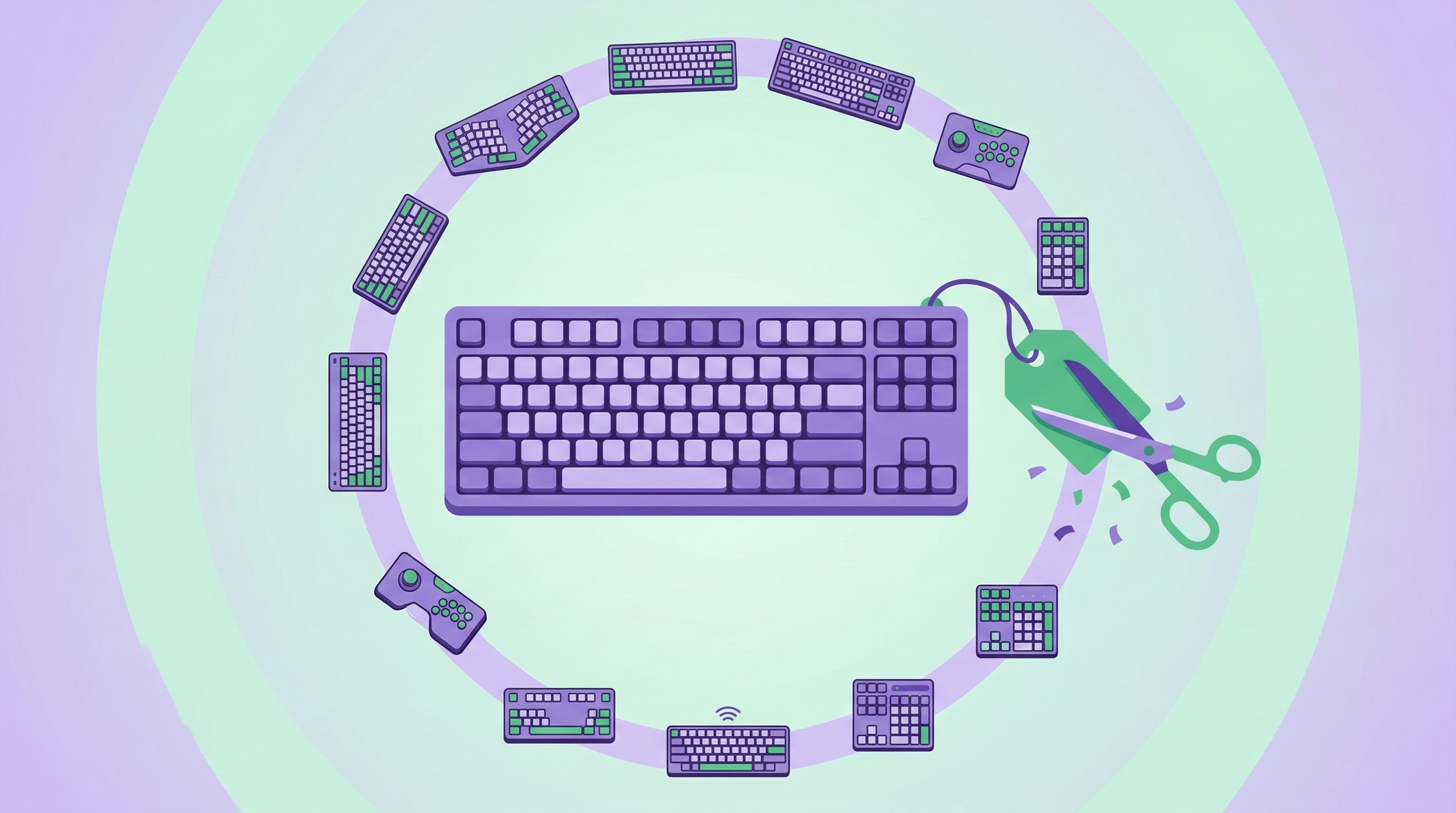
 Grammarly Keyboard Alternatives: Free and One-Time Purchase Options
Grammarly costs $30/month. Here are five tested Grammarly keyboard alternatives for iPhone that check grammar and rewrite text for less — or nothing at all.
 LudyType
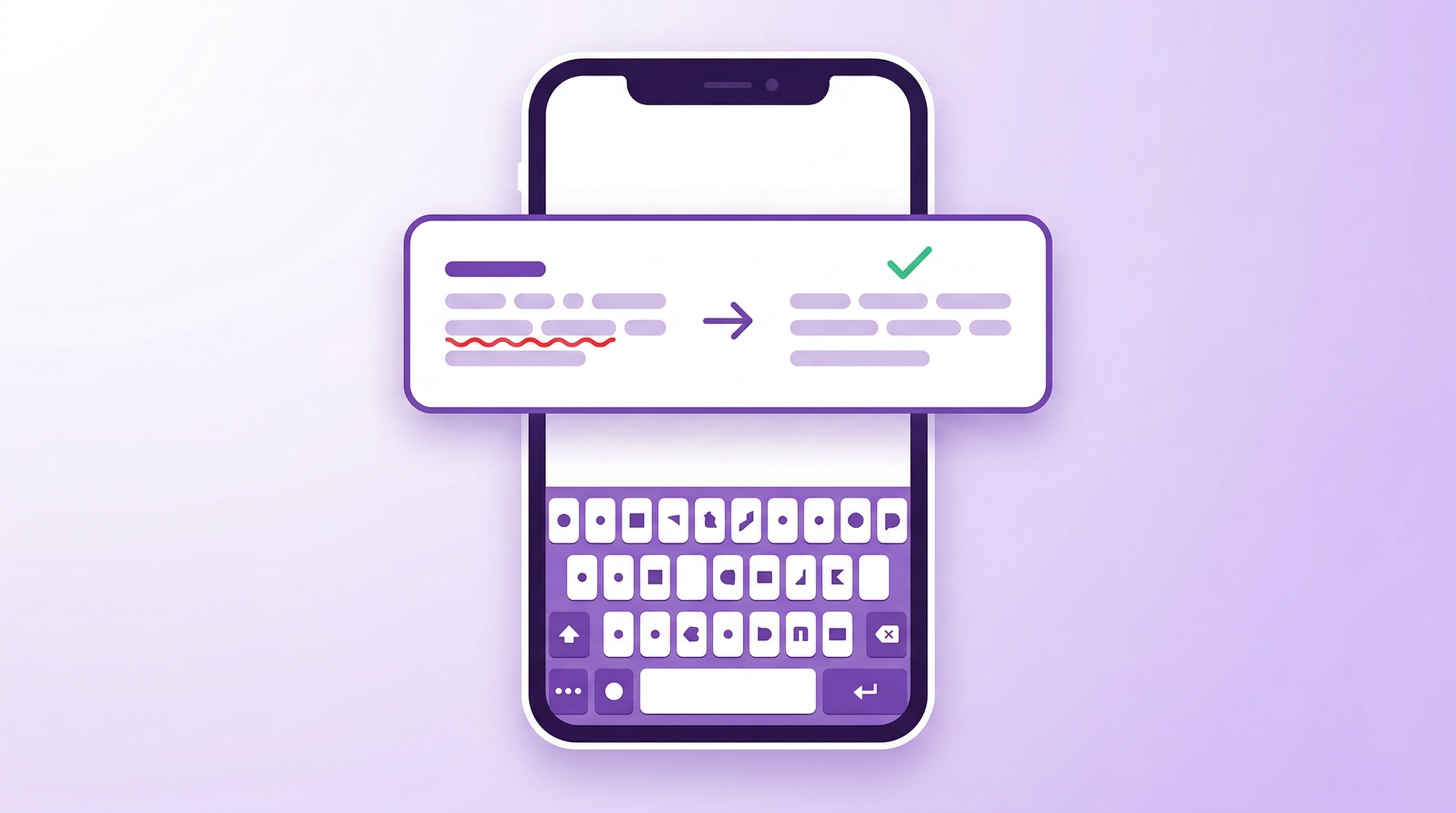
 How to Fix Grammar on iPhone: 5 Ways Beyond Autocorrect
iPhone autocorrect catches typos but misses real grammar errors. Here are five tested ways to fix grammar on iPhone, from free built-in tools to AI keyboards.
 LudyType
 iPhone Clipboard History: How to Access Past Copied Items
iOS only keeps your last copied item. Here's how to get full clipboard history on iPhone using Shortcuts, dedicated clipboard apps, and keyboard extensions.
 LudyType
 How to Translate Text on iPhone Without Switching Apps
Stop copy-pasting between apps to translate text on iPhone. Four practical ways to translate directly from your keyboard without switching apps at all.